


Select a Design
×


Great design!
×Social media apps restrict direct downloads. For a quick save, take a screenshot of your design below!
If you need the high-res file, tap the three dots (•••) and select 'Open in external browser'. Warning: Opening a new browser will refresh the page and clear your current design.
Create Your AI Design
Step 1:
Dream It Up
Step 2:
AI Magic
Step 3:
Fine Tune
Protected by reCAPTCHA v3. Subject to Google Privacy Policy & Terms.
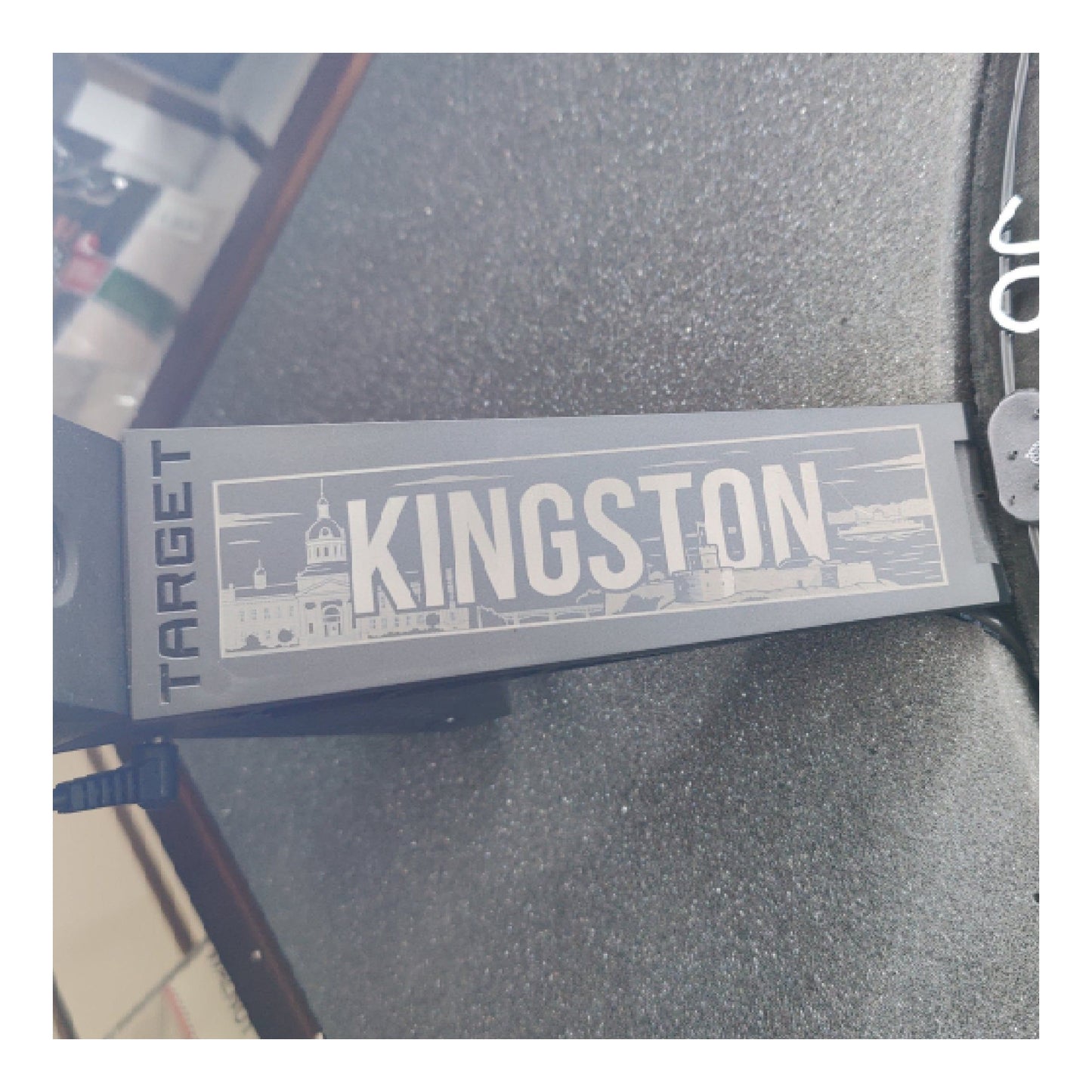
Build Your Custom Leg Protector
1. Design Source
2. Position Design
KingstonBilliardsandGames.com
⚙️ Manual Fine-Tune (X/Y Offsets)
3. Legal & Terms
⚠️ Please provide a design to enable the agreement.
How to Order Your Custom Omni Leg Protectors
Designing your own custom-printed Omni Leg Protectors is easy! Follow these simple steps to create a competition-ready look.
Step 1: Choose Your Artwork
You have three different ways to select the art for your leg protectors. Choose the one that works best for you:
✨ Option A: Let AI Create It (Recommended)
- Go to the "Create Your AI Design" section on the left.
- Type in your Main Subject (e.g., "A cybernetic armor weave" or "A flaming skull").
- Pick an Art Style from the dropdown menu (Photorealistic, Stencil, Traditional Ink, Dark Fantasy, etc.).
- Add any extra details and click the Generate AI Design button. Our system will automatically format it perfectly for our high-durability printing process!
📁 Option B: Upload Your Own File
- Click the Choose File or Paste Image button under "Design Source".
- Important: To ensure a clean and vibrant print, your uploaded image MUST be high resolution and ideally have a pure black or transparent background.
🎨 Option C: Browse Pre-Made Designs
- Click Browse Pre-Made Designs to open our gallery and pick one of our ready-to-print favorites.
Step 2: Position Your Design
Once your image is loaded, it will appear on the Omni Leg Protector preview screen.
- Move it: Simply click and drag the image directly on the protector to center it exactly where you want it.
- Resize & Rotate: Use the sliders just below the preview image to perfectly scale and rotate your artwork to fit the contour of the leg protector.
- Fine-Tune: Expand the "Manual Fine-Tune" menu if you need to bump the image pixel-by-pixel using the arrow nudge buttons.
Step 3: Confirm and Add to Cart
Almost done!
- Review your leg protectors in the preview box to ensure no important details are getting cut off by the outside edges or curved surfaces.
- Scroll down to Step 3: Legal & Terms.
- Check the box to confirm you have the rights to use the image and understand the preview is a conceptual mockup.
- Click the Add to Cart button!
💡 Pro Tip: Before you buy, you can use the Share or Download Mockup buttons located right below your protector preview to save a copy of your design or show it off to your teammates!

No Downloads. Just Darts.
Take the guesswork out of your game with DartTracker™, the ultimate free scoring companion. Built for the modern player, this web-based tool replaces the traditional scoreboard with a sleek, intuitive interface. Don’t let mental math break your rhythm—stay in the zone and track your stats in real-time. From casual basement games to competitive league nights, DartTracker™ is your digital edge on the oche.