


Select a Design
×


Great design!
×Social media apps restrict direct downloads. For a quick save, take a screenshot of your design below!
If you need the high-res file, tap the three dots (•••) and select 'Open in external browser'. Warning: Opening a new browser will refresh the page and clear your current design.
Design No.2 Flights
Step 1:
Dream It Up
Step 2:
AI Magic
Step 3:
Fine Tune
Protected by reCAPTCHA v3. Subject to Google Privacy Policy & Terms.
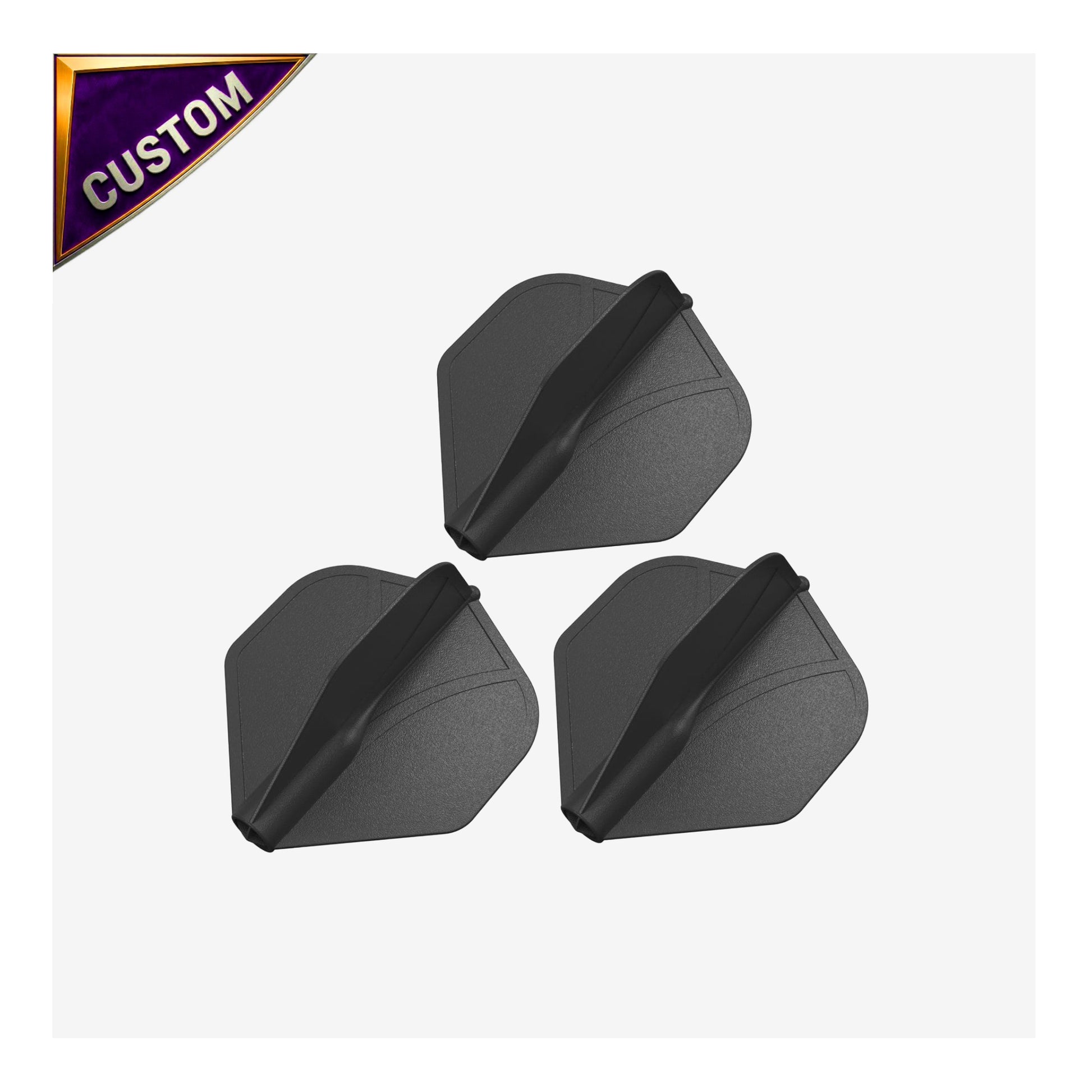
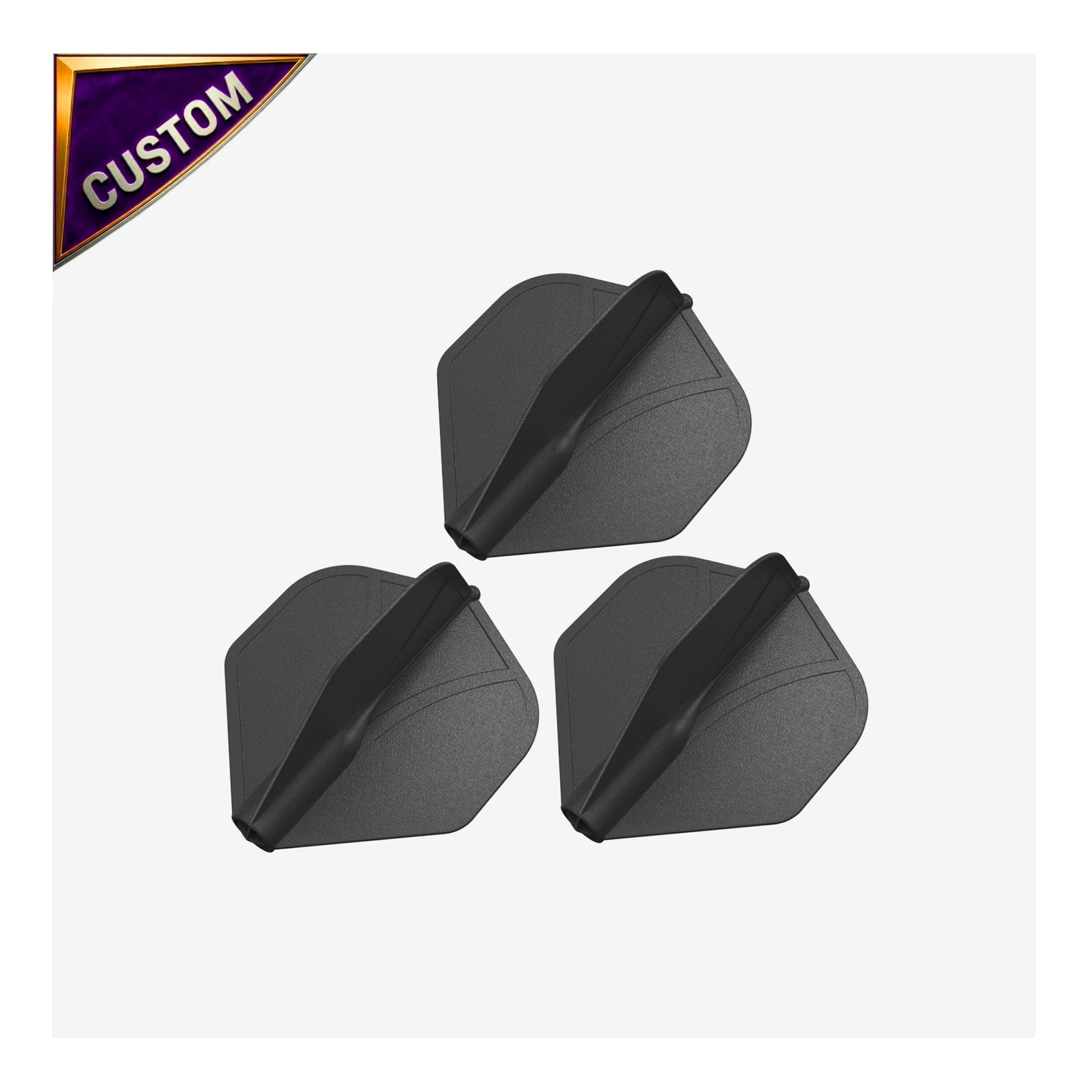
Build Your Airfoil Flight
1. Design Source
2. Position Design
Download your design & post it in the comments of our Facebook contest to enter!
⚙️ Manual Fine-Tune (X/Y Offsets)
3. Legal & Terms
⚠️ Please provide a design to enable the agreement.
How to Submit Your Custom Designs
Only use this submission process if we have asked you to resubmit a design. Designing your own laser-engraved dart flights is easy! Follow these simple steps to create a competition-ready look.
Step 1: Choose Your Artwork
You have three different ways to select the art for your flight. Choose the one that works best for you:
✨ Option A: Let AI Create It (Recommended)
- Go to the "Create Your AI Design" section on the left.
- Type in your Main Subject (e.g., "A howling wolf" or "A flaming skull").
- Pick an Art Style from the dropdown menu (Photorealistic, Stencil, Traditional Ink, etc.).
- Add any extra details and click the Generate AI Design button. Our system will automatically format it perfectly for laser engraving!
📁 Option B: Upload Your Own File
- Click the Choose File or Paste Image button under "Design Source".
- Important: To ensure a clean laser burn, your uploaded image MUST have a solid, pure black background.
🎨 Option C: Browse Pre-Made Designs
- Click Browse Pre-Made Designs to open our gallery and pick one of our ready-to-laser favorites.
Step 2: Position Your Design
Once your image is loaded, it will appear on the dart flight preview screen.
- Move it: Simply click and drag the image directly on the flight to center it exactly where you want it.
- Resize & Rotate: Use the sliders just below the preview image to perfectly scale and rotate your artwork to fit the flight's shape.
- Fine-Tune: Expand the "Manual Fine-Tune" menu if you need to bump the image pixel-by-pixel using the arrow nudge buttons.
Step 3: Confirm and Add to Cart
Almost done!
- Review your flight in the preview box to ensure no important details are getting cut off by the outside edges.
- Scroll down to Step 3: Legal & Terms.
- Check the box to confirm you have the rights to use the image and understand the preview is a conceptual mockup.
- Click the Add to Cart button!
💡 Pro Tip: Before you buy, you can use the Share or Download Mockup buttons located right below your dart flight preview to save a copy of your design or show it off to your teammates!
Looking for something else?
Browse our darts and boards
** Please note that the images you create on this page are designed for Airfoil flights. They will not be suitable for No.2 dart flights.

No Downloads. Just Darts.
Take the guesswork out of your game with DartTracker™, the ultimate free scoring companion. Built for the modern player, this web-based tool replaces the traditional scoreboard with a sleek, intuitive interface. Don’t let mental math break your rhythm—stay in the zone and track your stats in real-time. From casual basement games to competitive league nights, DartTracker™ is your digital edge on the oche.